 BossKin
Help › Administration
Dashboard and reports
Today's figures, warnings, analytics; HR, attendance and payroll reports exported to Excel.
For: Executives, managers, HR
Dashboard
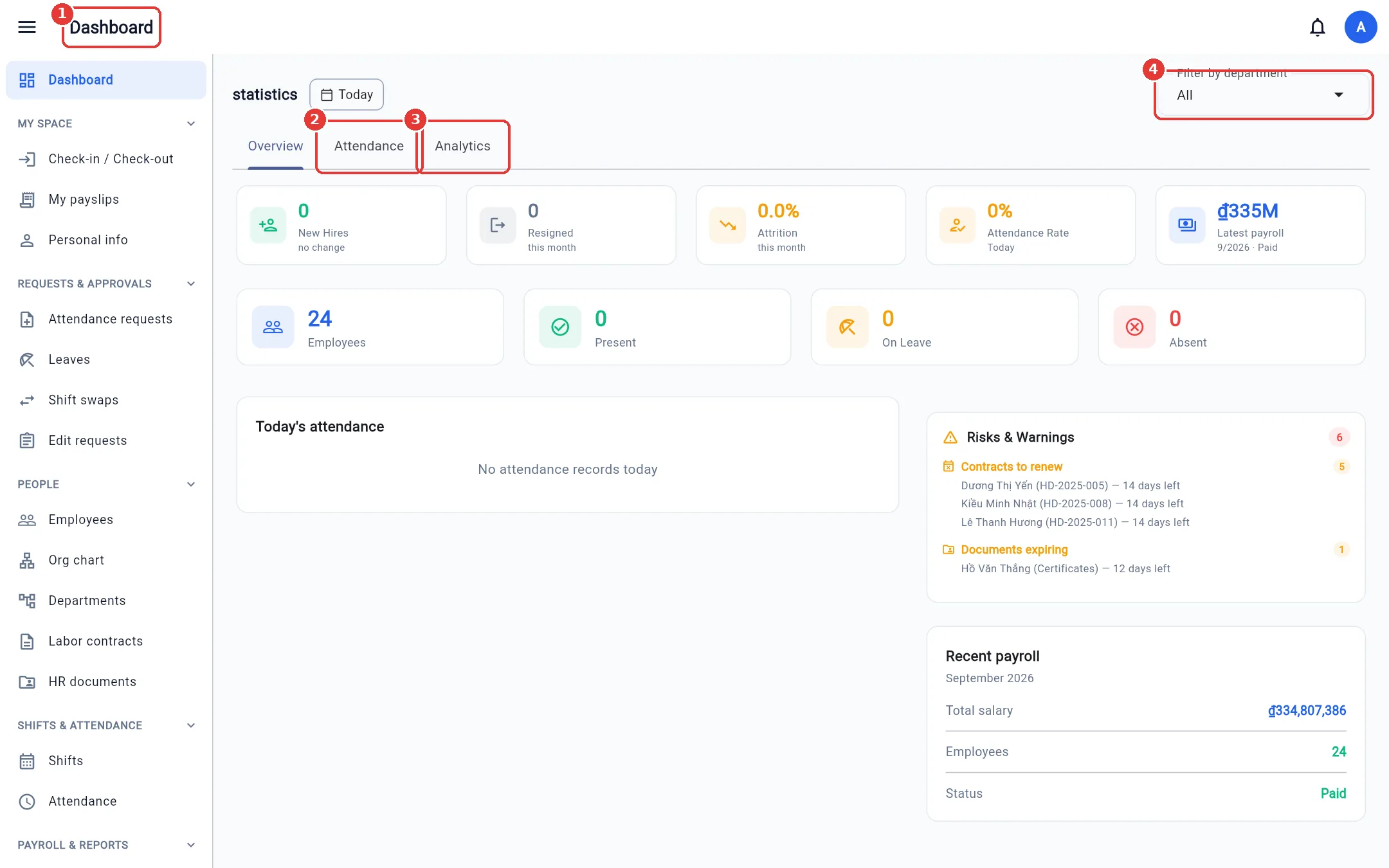
Open Dashboard. Filter by department in the top-right corner; pick a date with the Today button.
- Overview tab — new hires, resignations, attendance rate, latest period payroll, number present / on leave / absent, and today's attendance list. Absent counts only shifts that have ended without a check-in; shifts that have not started or are in progress are not counted.
- Risks & Warnings — contracts that need renewing, documents about to expire, and anomalies that need handling.
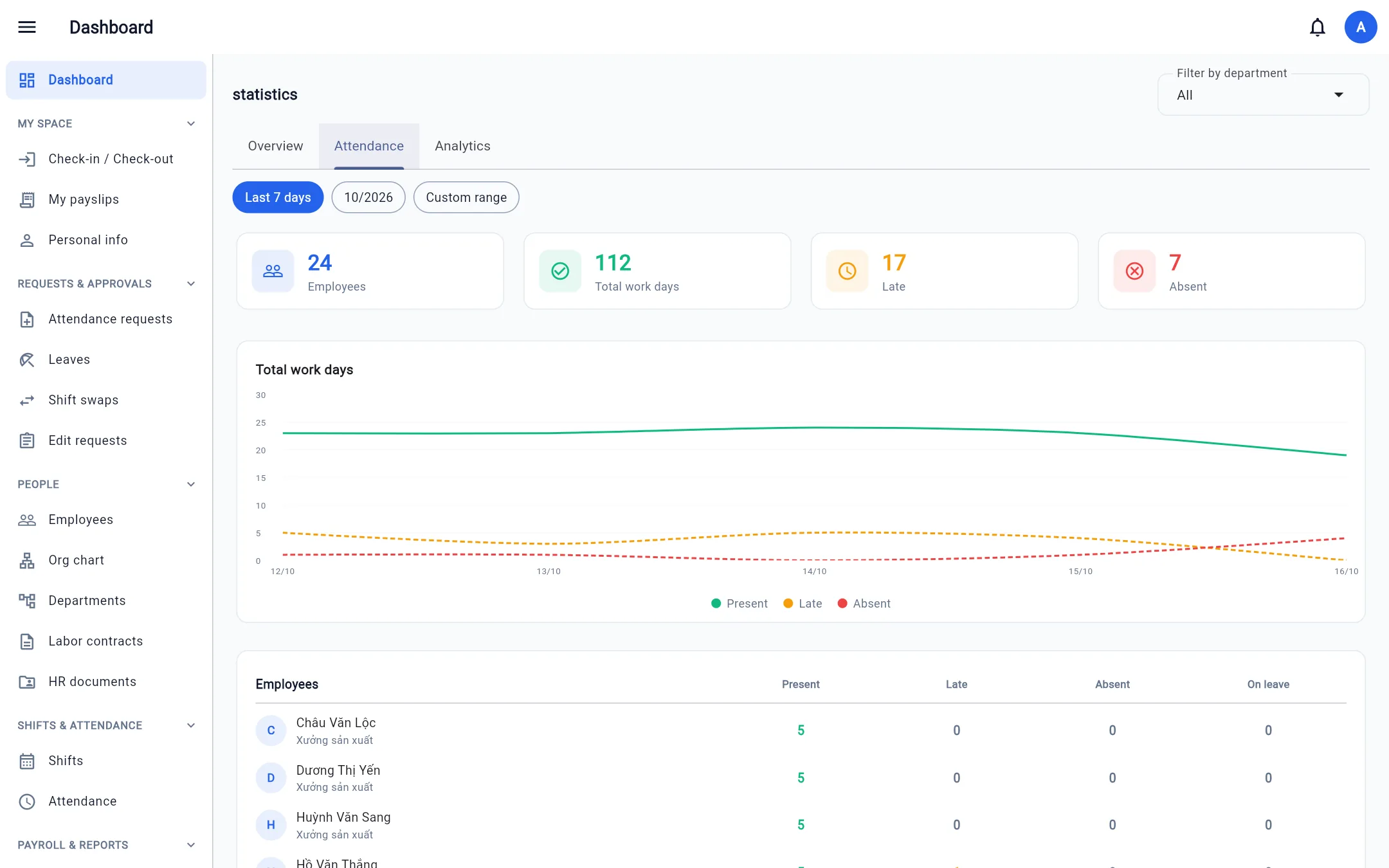
- Attendance tab — late arrivals, early departures and overtime by day.
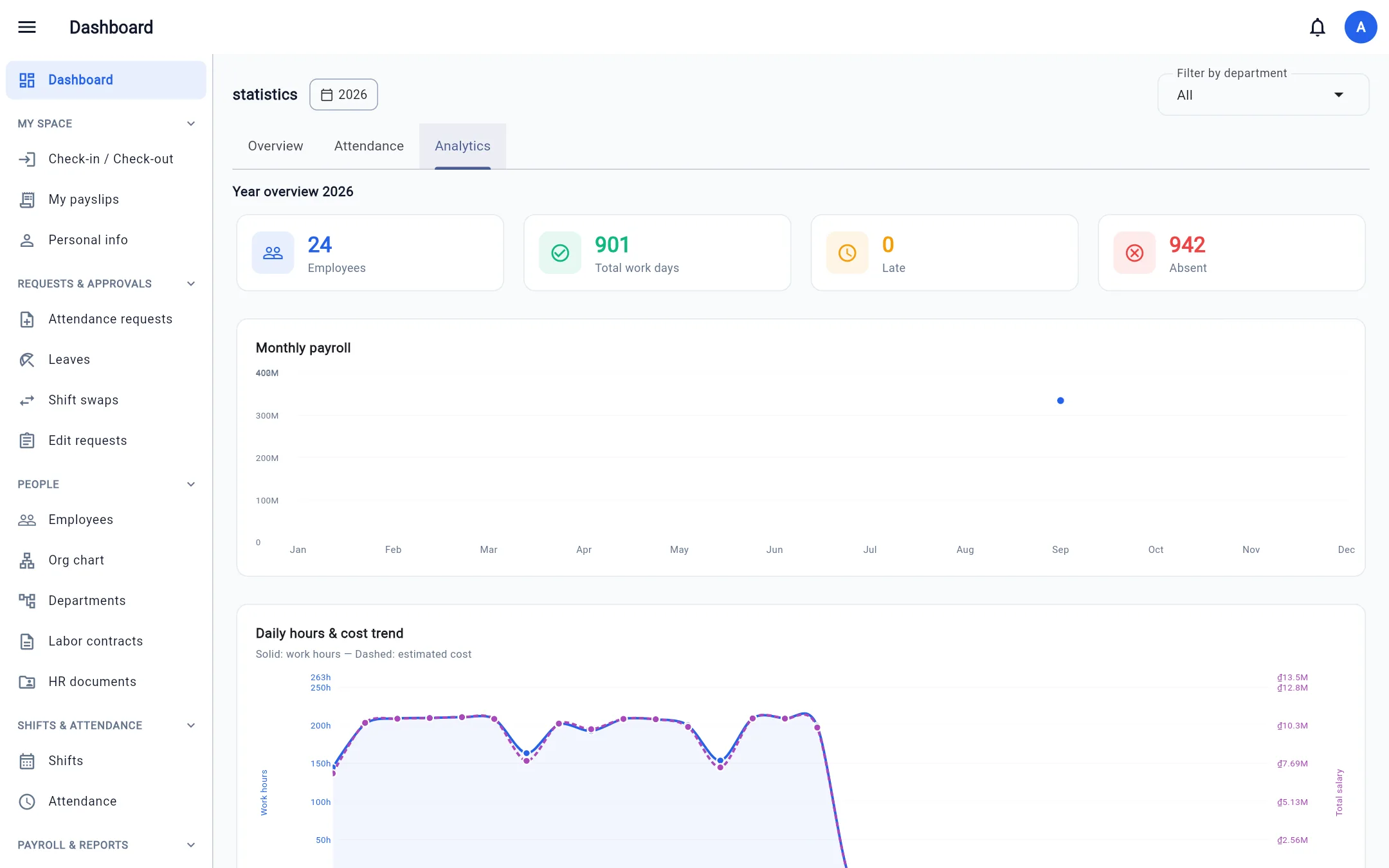
- Analytics tab — monthly trend charts.
Reports
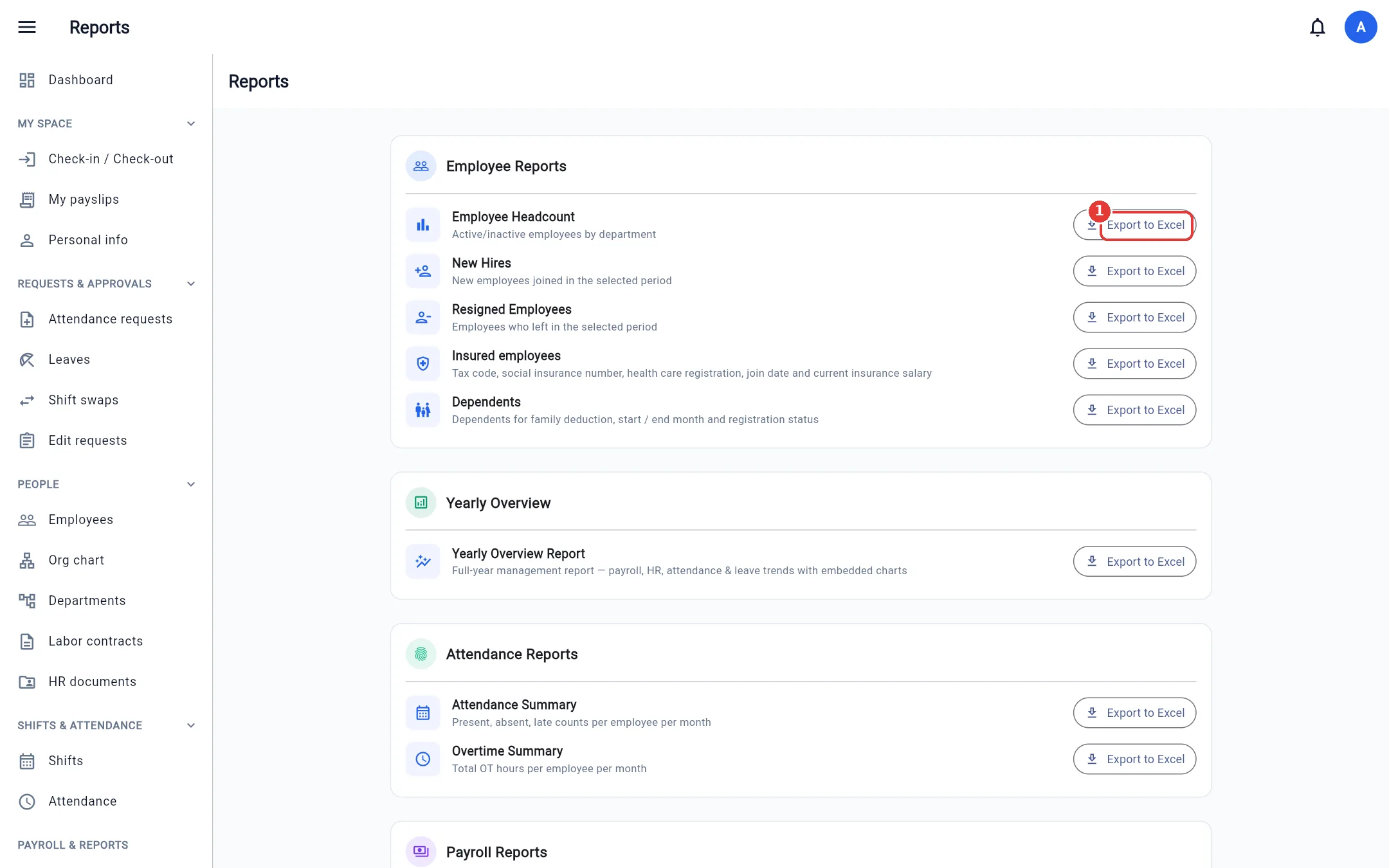
Open Reports. Each report has an Export to Excel button; choose the period / department in the box that appears.
| Group | Reports |
|---|---|
| HR | Headcount statistics, new hires, resigned employees, insured employees, dependents |
| Year | Annual overview report |
| Attendance | Attendance summary, overtime summary, shifts by location (when the company turns on Work locations) |
| Payroll | Payroll cost summary (including employer insurance contributions) |
Note: Each report also requires permission to view the corresponding module (e.g. the payroll report requires permission to view payroll). People limited to a department scope must choose a department within their scope.