BossKin
System administration (provider)
The /admin portal: customer companies, trial requests, administrators, tax & insurance parameters, template holidays.
For: BossKin system administrators (not company administrators)
The system admin portal is at /admin, with separate accounts and mandatory two-factor authentication.
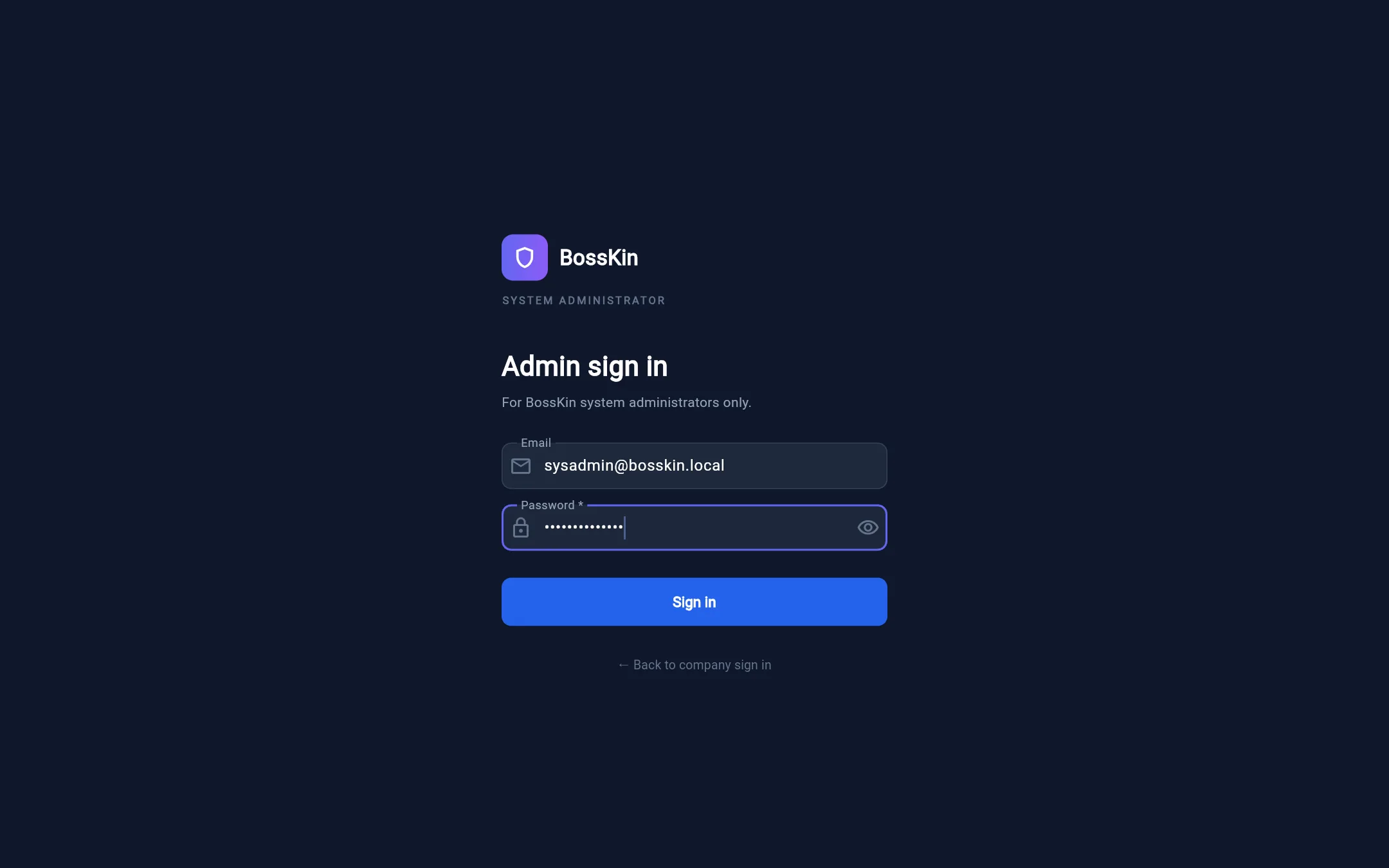
Companies
Create customer companies (with their first admin account), edit company details (pencil button), lock / unlock a company, require 2FA for a company's administrators (shield button), and sign in on behalf to give support (arrow button) — while viewing on behalf, the app shows a warning banner and every action is logged.
When creating a company:
- Company code: 2–12 uppercase letters / digits, starting with a letter (for example
TH). This code is the employee code prefix (TH00001…), so it must be unique and must not be the start of another company's code (ifTHexists you cannot createTHA). It cannot be changed after creation — the edit dialog shows the code read-only. - Email domain is required (for example
th.com) and must not match another company. Every account in the company — the first admin, employees created by form or Excel import, any extra accounts — must have an email…@th.com. The domain can only be changed when no account still uses the old domain.
Feature packages: in the edit dialog (pencil button), tick the packages the company may use — Attendance, Shifts, Leave, Payroll,
Labor contracts, Employee documents, Reports. For example, if a company only bought attendance + shifts + payroll, untick the other three packages.
A disabled package: the menu is hidden for everyone in the company (admins included), the API returns an error, and existing data is kept — turn it back on to resume. Attendance needs Shifts
(ticking Attendance ticks Shifts automatically). Employees, departments, permissions and company settings are always available. Each change is logged as COMPANY_MODULES.
People who are signed in see the change after signing in again (or when the session refreshes itself, within 30 minutes at most).
In use / Trial: the edit-company box has a Usage status field. A Trial company also has Trial expires (usable through the end of that day); after it nobody in the company can sign in ("trial has ended"), the data is kept, and you can still sign in as the company to look. Switch to In use to reopen it, or change the date to extend. The company card shows "Trial until …" (red once expired). Companies that customers sign up for on the landing page (see below) start as a 30-day Trial.
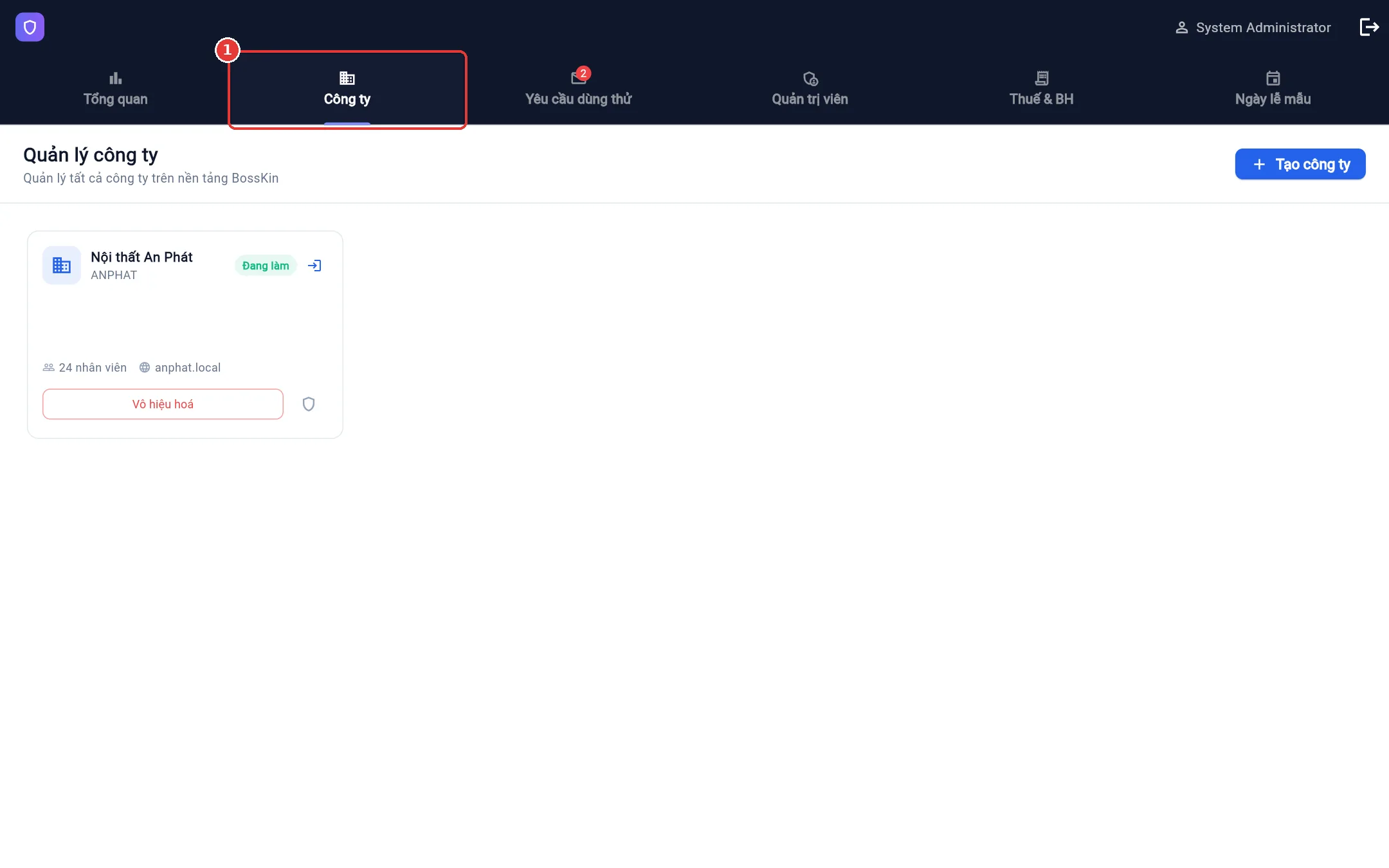
Trial requests
Requests submitted from the landing page. Filter by status (New, Contacted, Trialing, Not a fit), add notes, export to Excel.
Automatic trial signup (once email sending is configured): the customer fills in the form (email required) → gets an email with a confirmation link (single use, valid 24 hours) → opens it and sets a password →
the system creates a 30-day Trial company (no employee limit, full-rights admin) and emails the account details. On the activation page the customer chooses the company email suffix (it applies to every account; if another company already uses it they are told right away to change it), so the default admin account is admin@<chosen suffix>. Each email can create only one trial company. The request stays in this list so you can call to close the sale; the new company shows in the Companies tab with a trial label.
Administrators
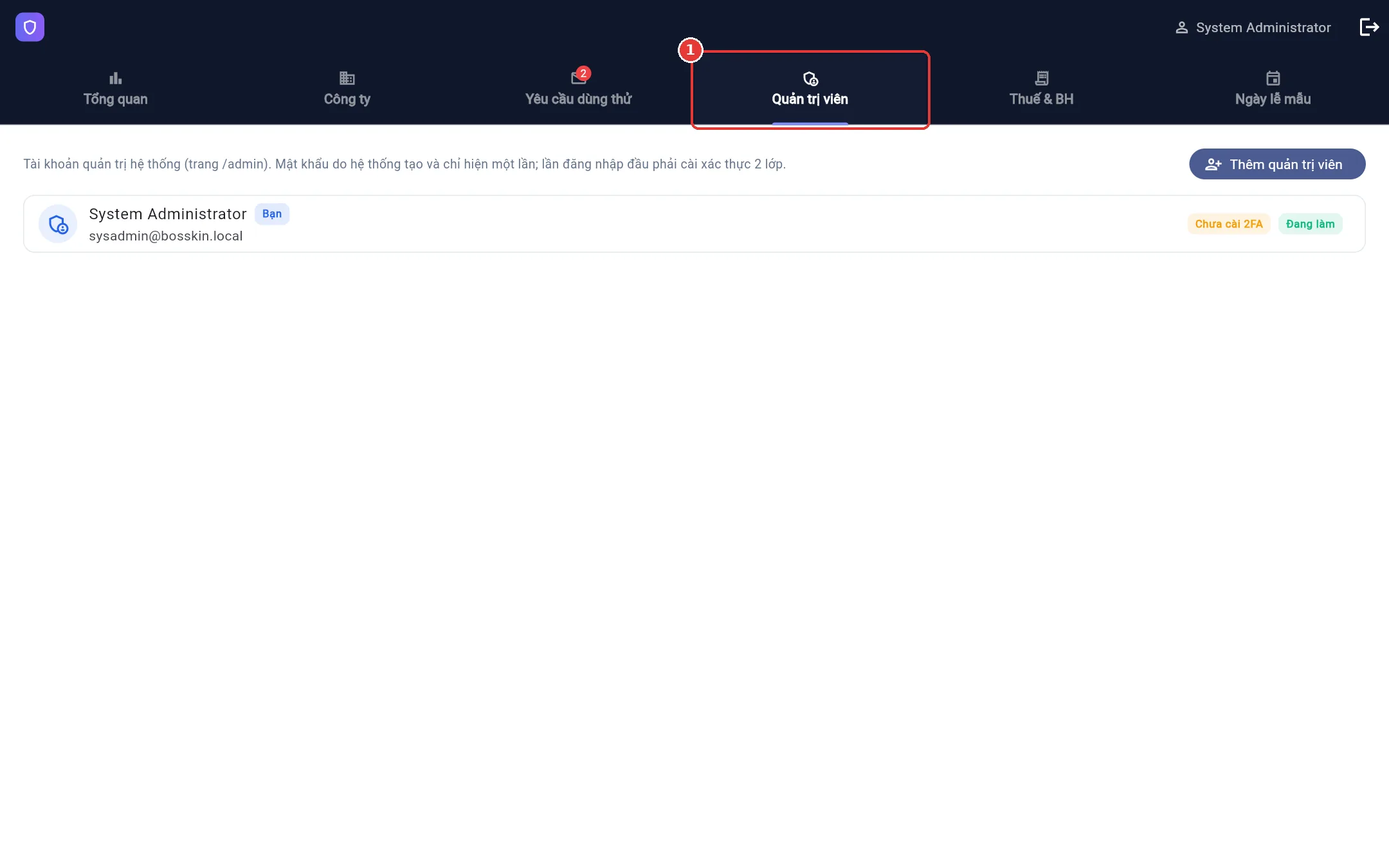
Create system administrators (auto-generated password, shown once), lock / unlock, reset passwords, remove 2FA. There is always at least one active administrator; you cannot act on yourself.
Tax & insurance
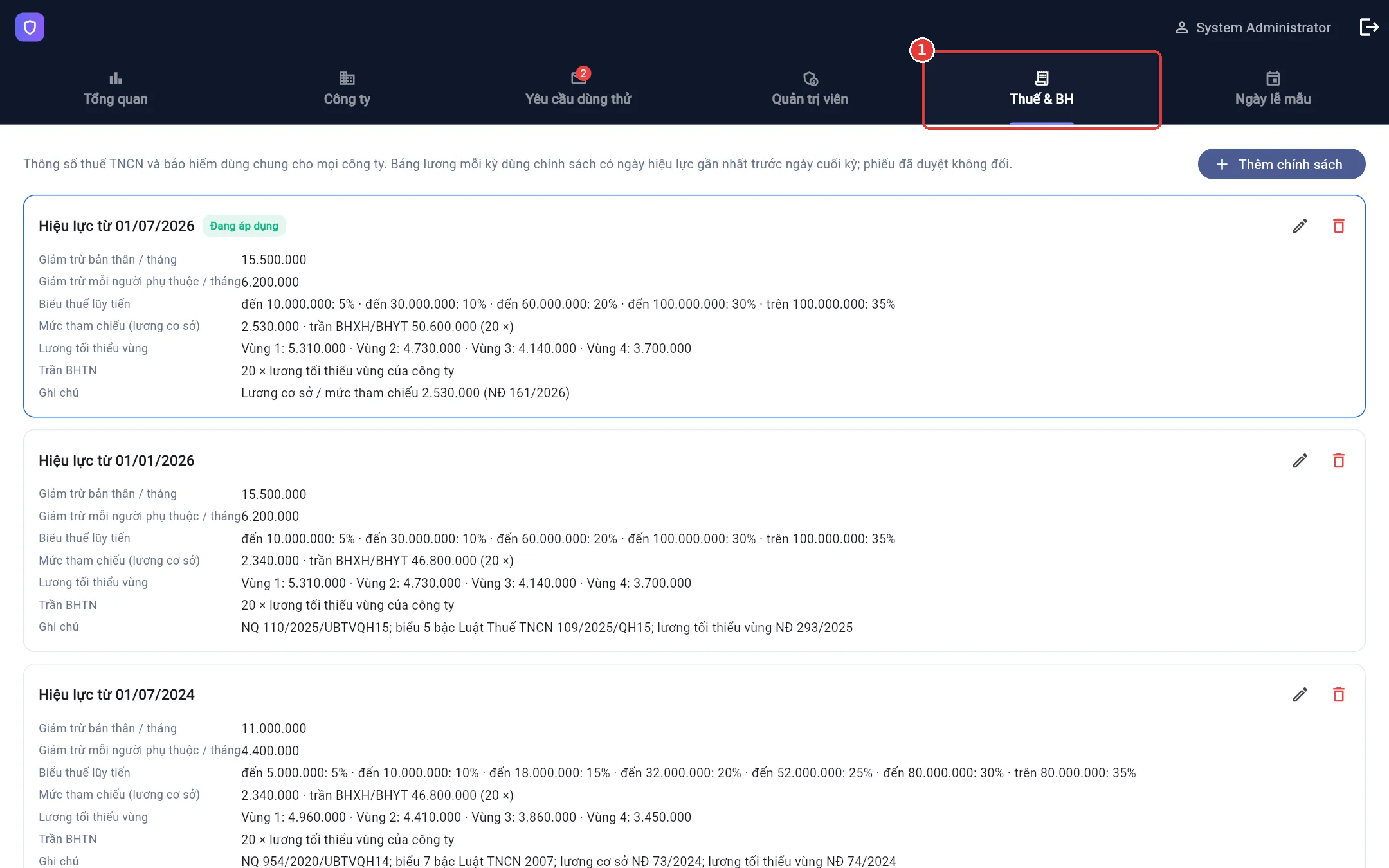
Parameters shared by all companies, by effective date: personal deduction, dependent deduction, progressive tax brackets, the reference level and multiplier for the BHXH/BHYT cap, the 4-region minimum wage and the multiplier for the BHTN cap. When the law changes, Add policy with a new effective date — past payroll periods are still computed with the old policy.
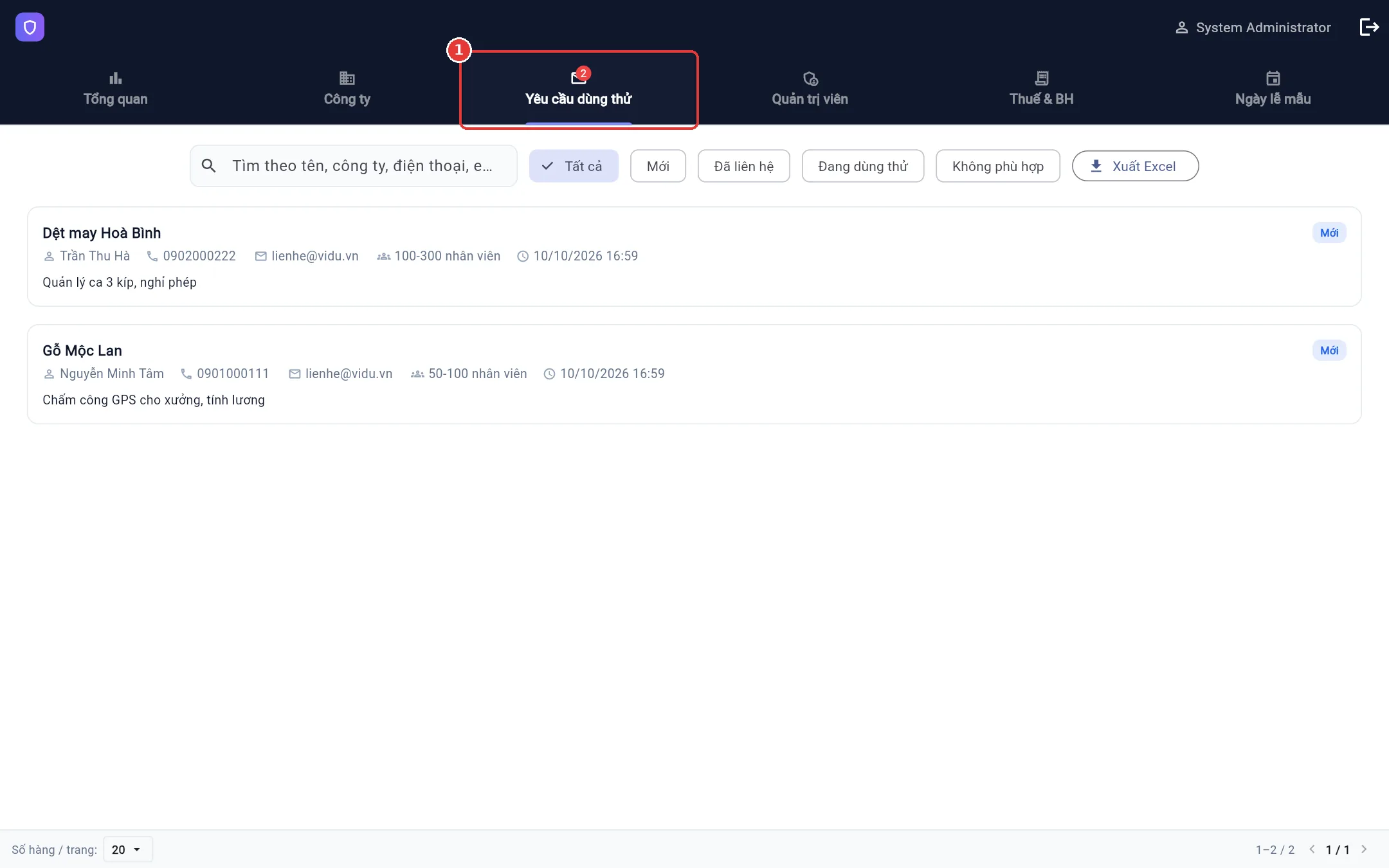
Holiday template
The template holiday list by year for every company that has not customised its own. Update compensatory / swapped days according to the official yearly announcement.