BossKin
Leave management
Approve leave requests, view employees' balances, leave types, automatic accrual, manual grants.
For: Managers, HR
Approve leave requests
Open Leaves → the Leave requests tab, filter by status Pending. Each request shows the leave type, dates, number of days and reason; multi-day requests list every counted day.
- Approve — deducts leave from the pool (the leave type's own pool first, then the shared pool).
- Reject — enter a reason.
- Cancel request — cancels an approved request; the leave is refunded to exactly the pool it was deducted from.
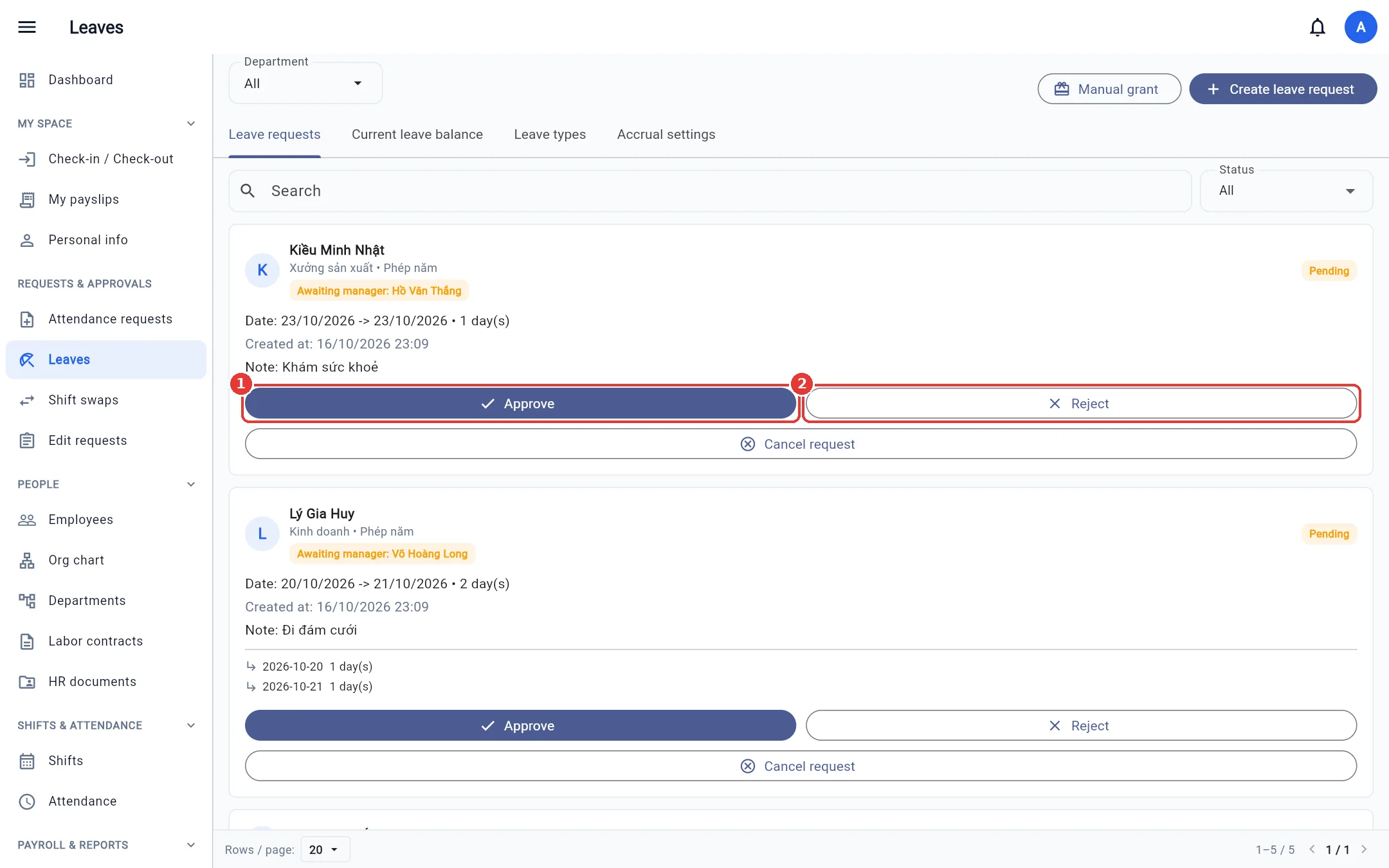
The Pending manager label means the request is still waiting for the direct manager's step-1 approval (when two-step approval is on).
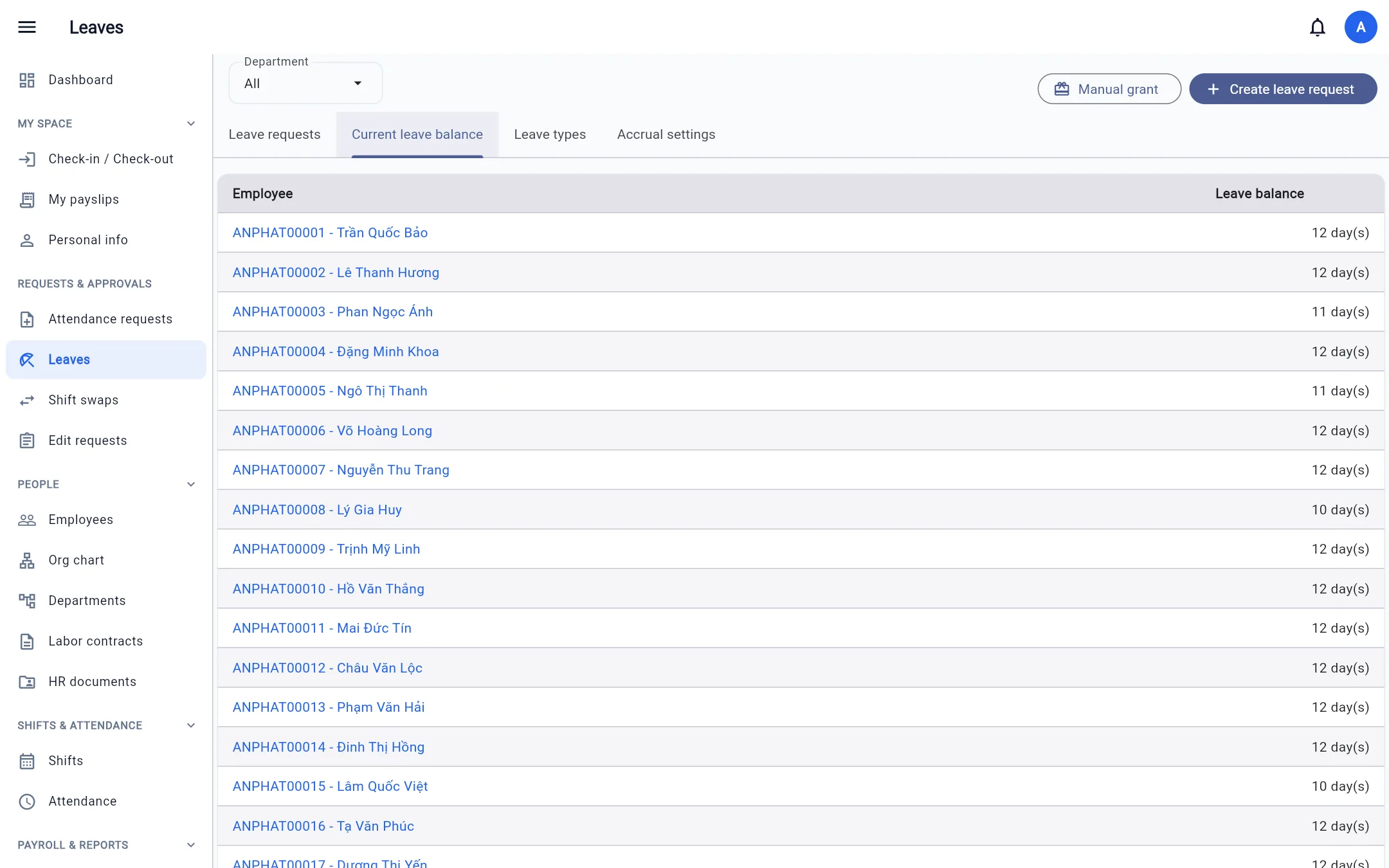
Employees' leave balances
The Current leave balance tab lists everyone's balance. Click a person to see Leave history, where the Deduction ledger tab shows exactly how much each request deducted / refunded and on which pool.
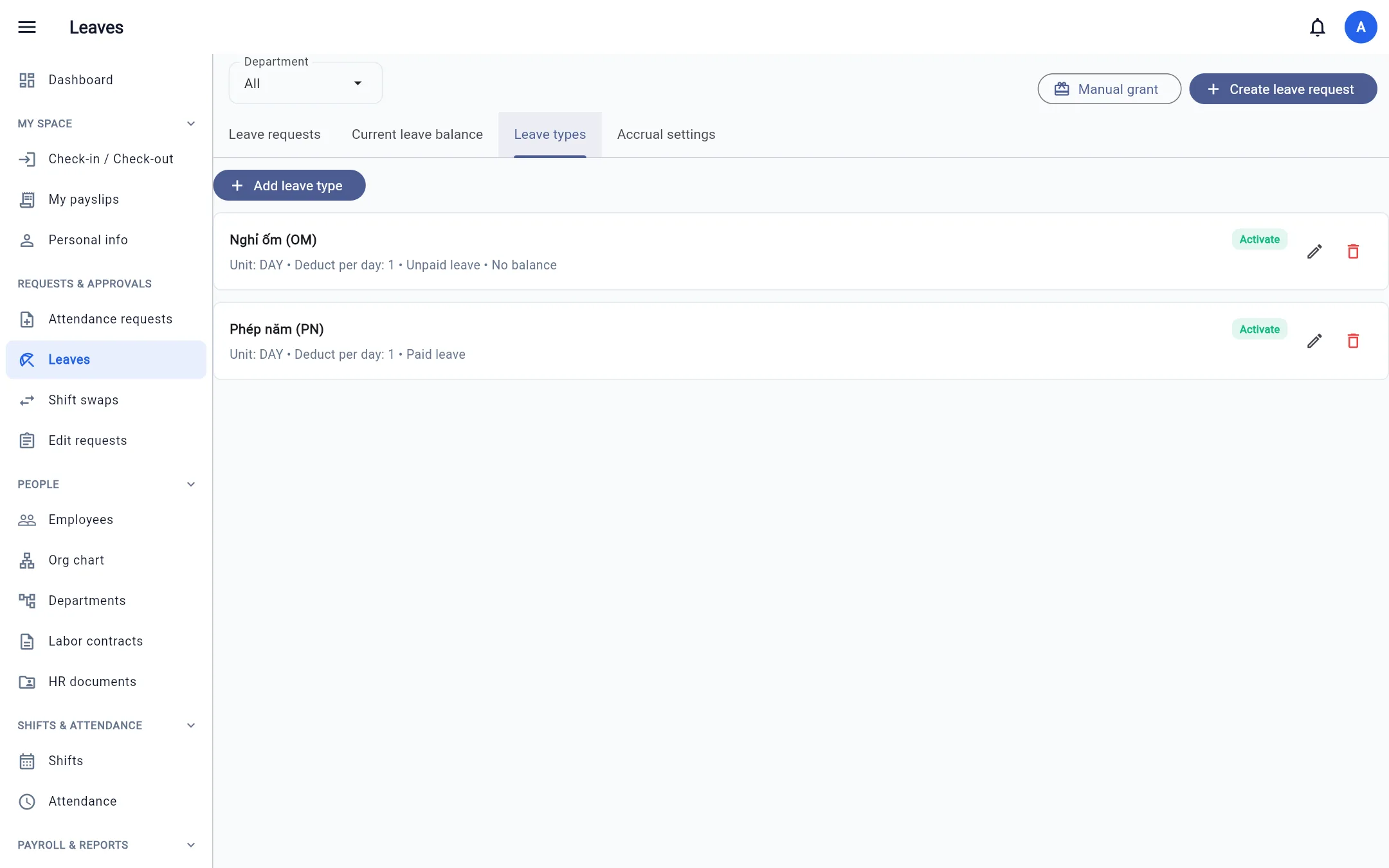
Leave types
The Leave types tab: annual leave, sick leave, personal leave… Each type has a unit (days / hours), whether it is paid, and whether it deducts from the leave pool (off for types such as unpaid leave).
Automatic accrual
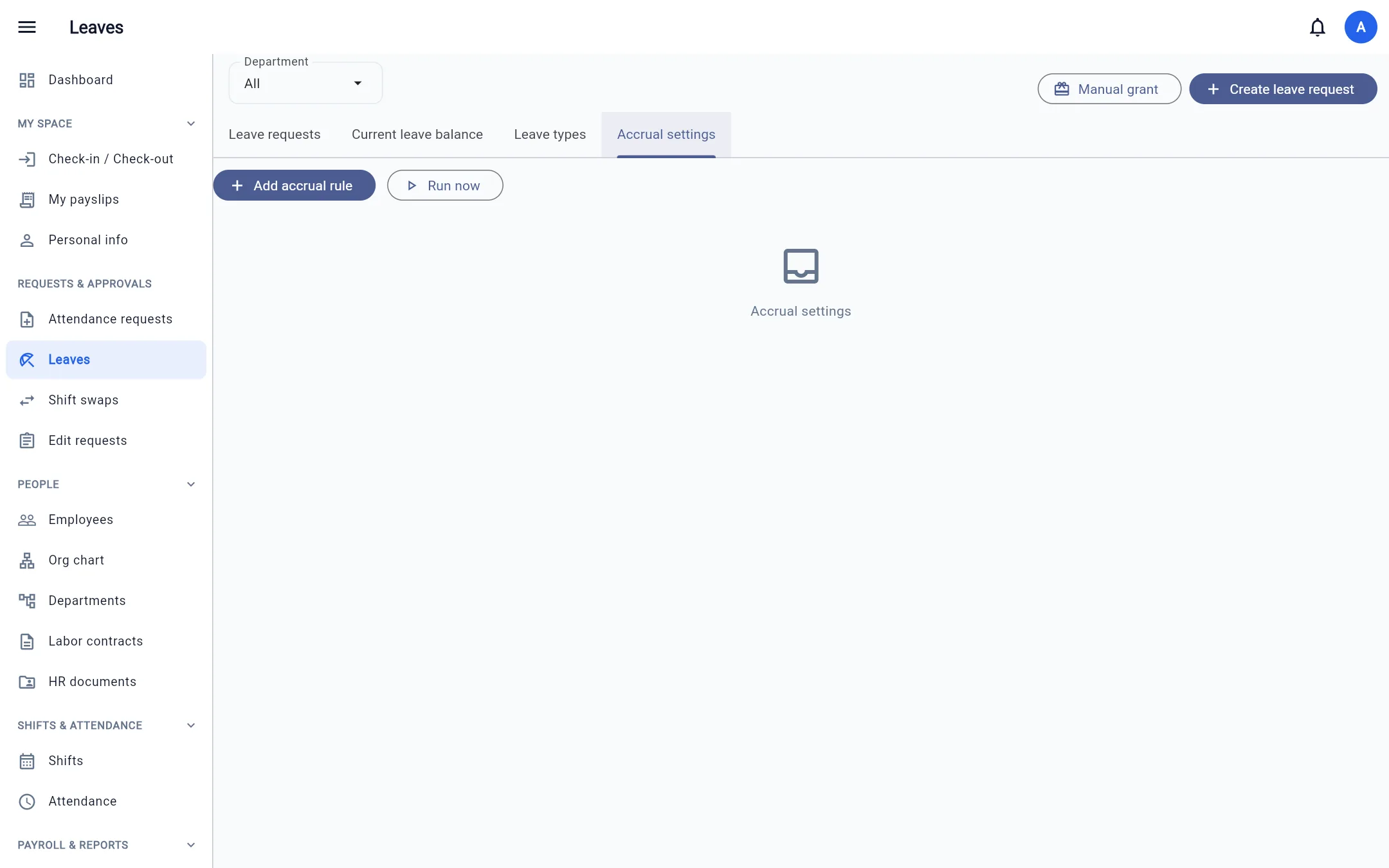
The Accrual settings tab: monthly / yearly accrual rules by length of service. The system runs every night.
Manual grants
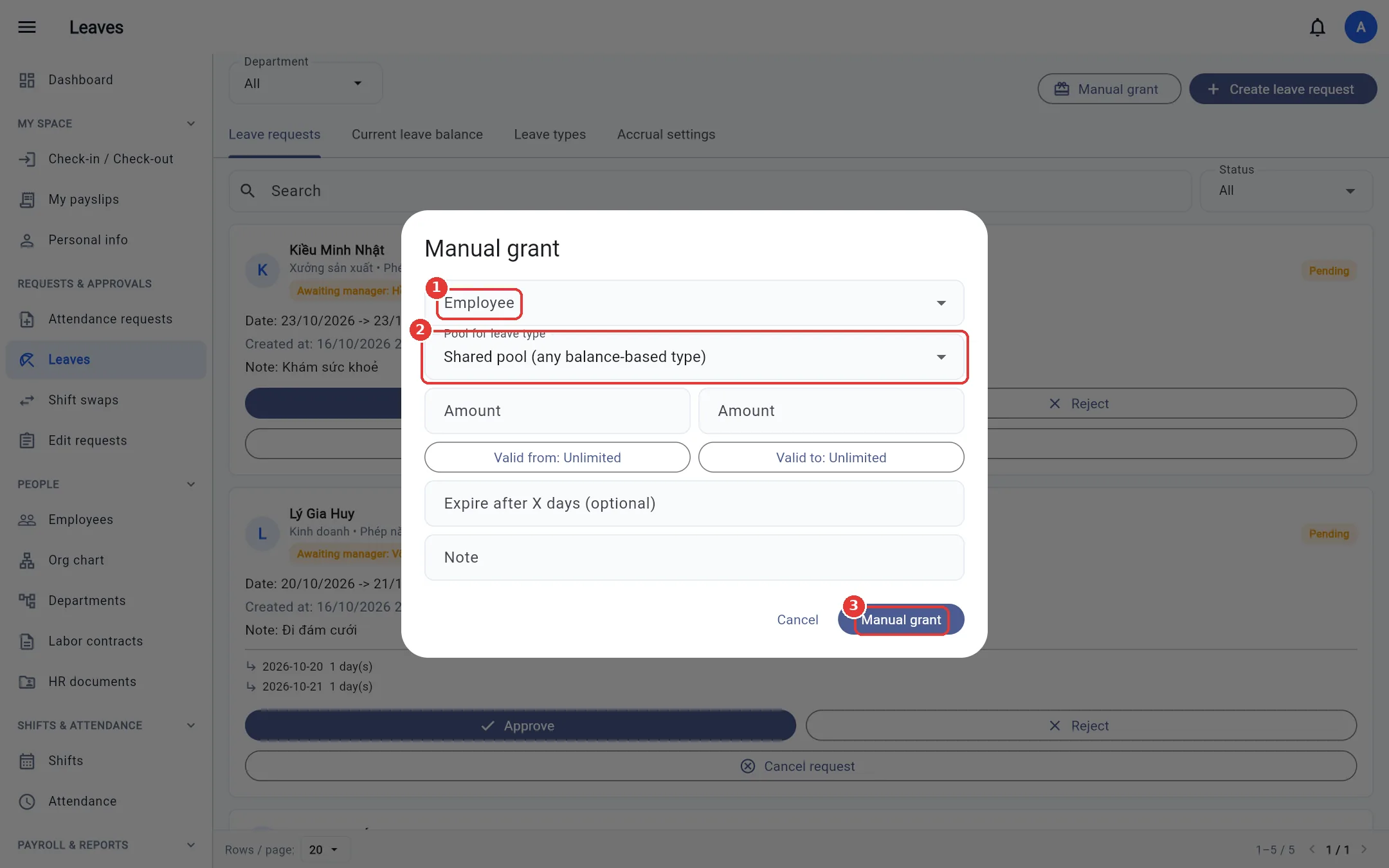
Use this to enter opening balances, award leave or give compensatory leave.
- Click Manual grant.
- Choose the Employee and the Pool for leave type (the shared pool is used by every leave type that deducts from a pool, or a dedicated pool for one type).
- Enter the amount, the validity period (optional) and a note → Manual grant.