 BossKin
Audit log
Look up who edited attendance, approved payroll, changed permissions, viewed documents, etc., when, and the before and after of each change.
For: Administrators, people with permission to view the log
Open Audit log. Each row shows the action type, the object, the time and who did it. Click a row to see the before → after details.
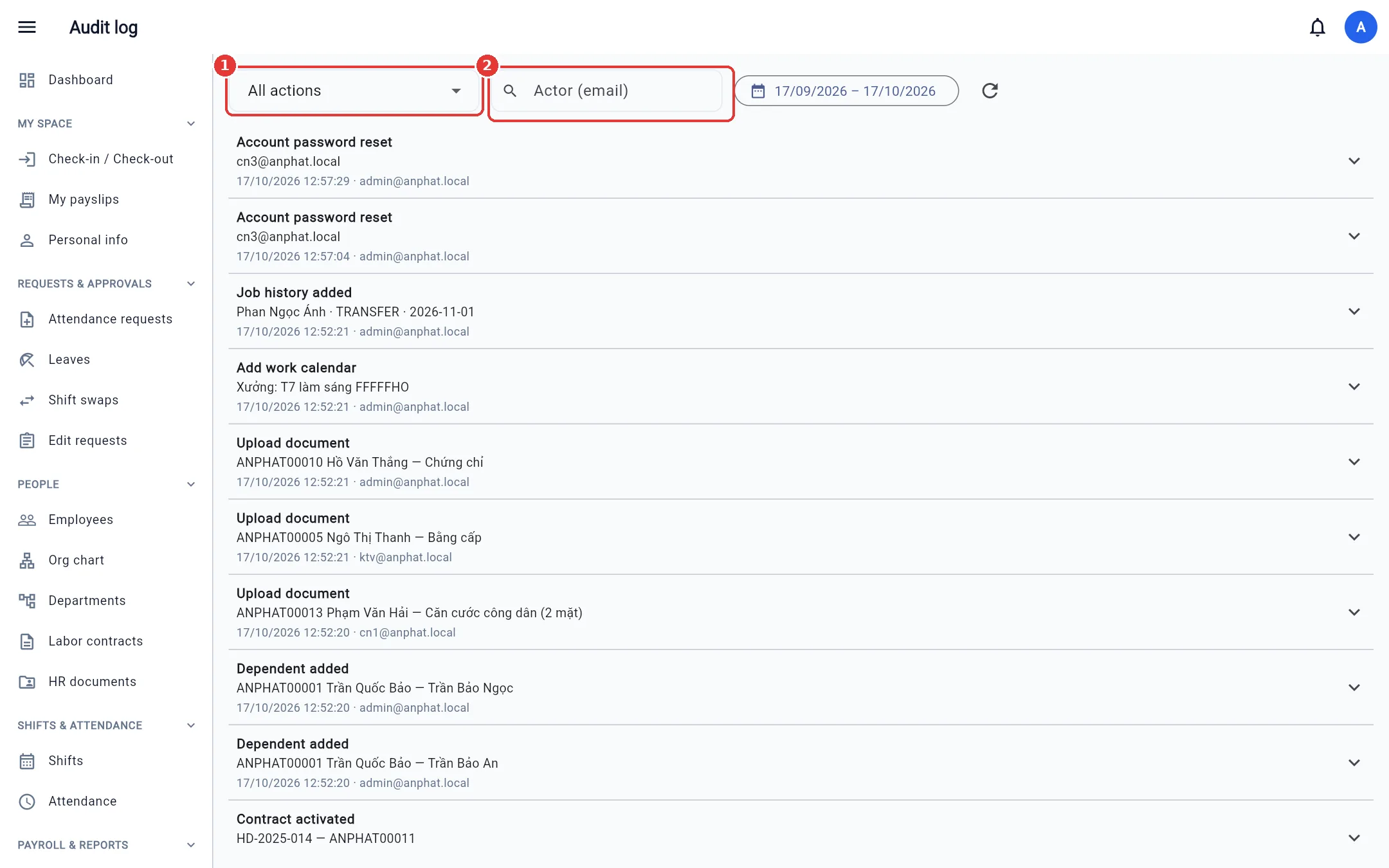
Filter by action type, performer's email and date range.
The permission to view the audit log is in its own Audit log group on the Roles & permissions screen (Open the Audit log screen): turn it on or off independently of the other permissions, including company administration.
What is recorded: editing / approving / deleting attendance, Excel attendance import, approving attendance requests, locking / unlocking attendance periods, every payroll action, changing roles / permissions / scope, locking / unlocking accounts, resetting passwords, exporting temporary passwords, enabling / disabling / removing 2FA, removing devices, contracts, dependents, documents (including every view), approving profile edits, job history, holidays, work calendars, and system administrators signing in on behalf of a company.
Note: The log is read-only — nobody can edit or delete it.