 BossKin
Help › Employee
Swap or give away shifts
Ask to swap shifts with a colleague or give a shift away, and track the approval status.
For: Employees who work in shifts
Request a swap / give-away
- Open Shift swaps → click Request swap / give away.
- Choose My shift that you want to swap.
- Choose a colleague and their shift (swap), or just choose the recipient (give away).
- Enter a Reason and click Send request.
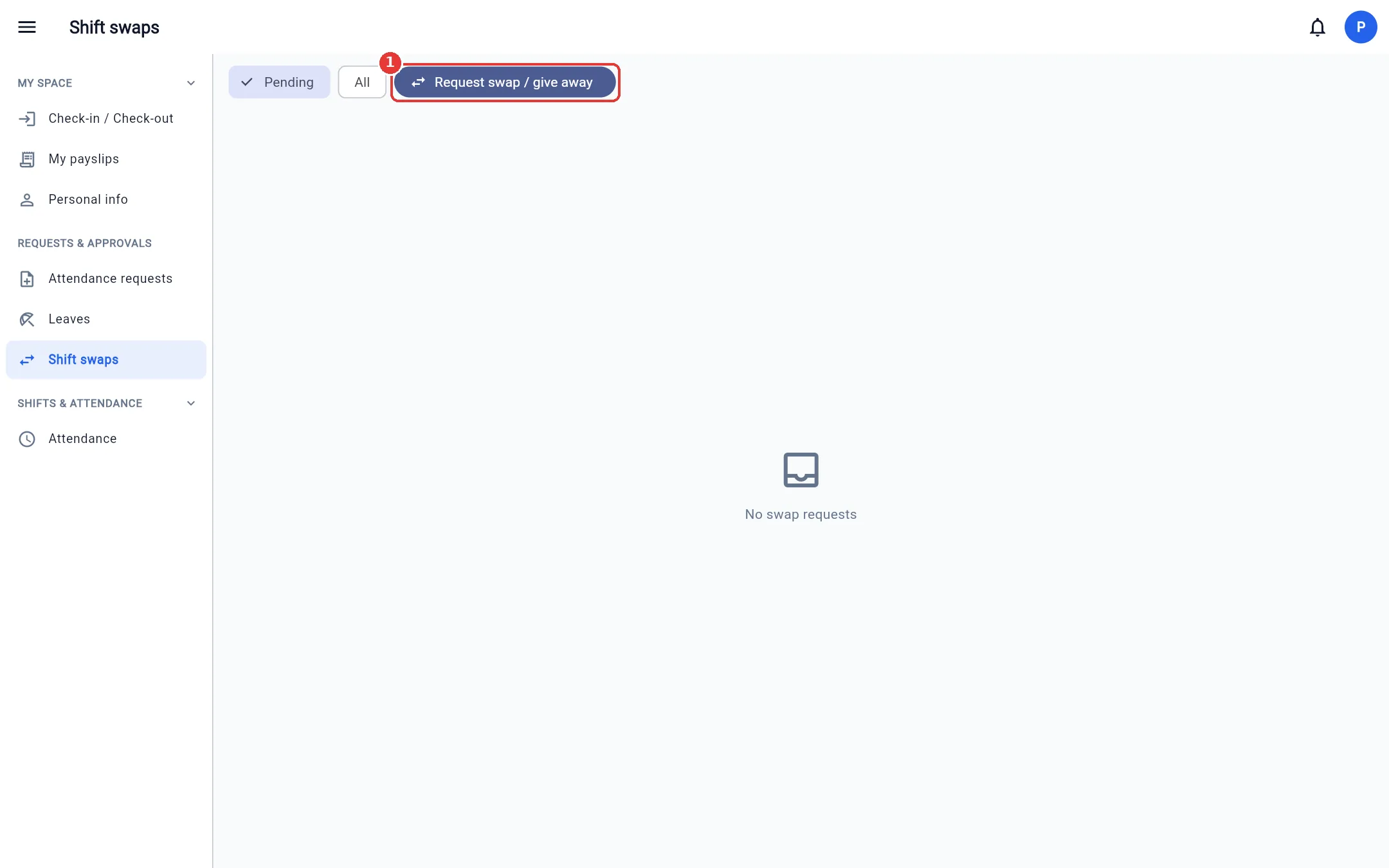
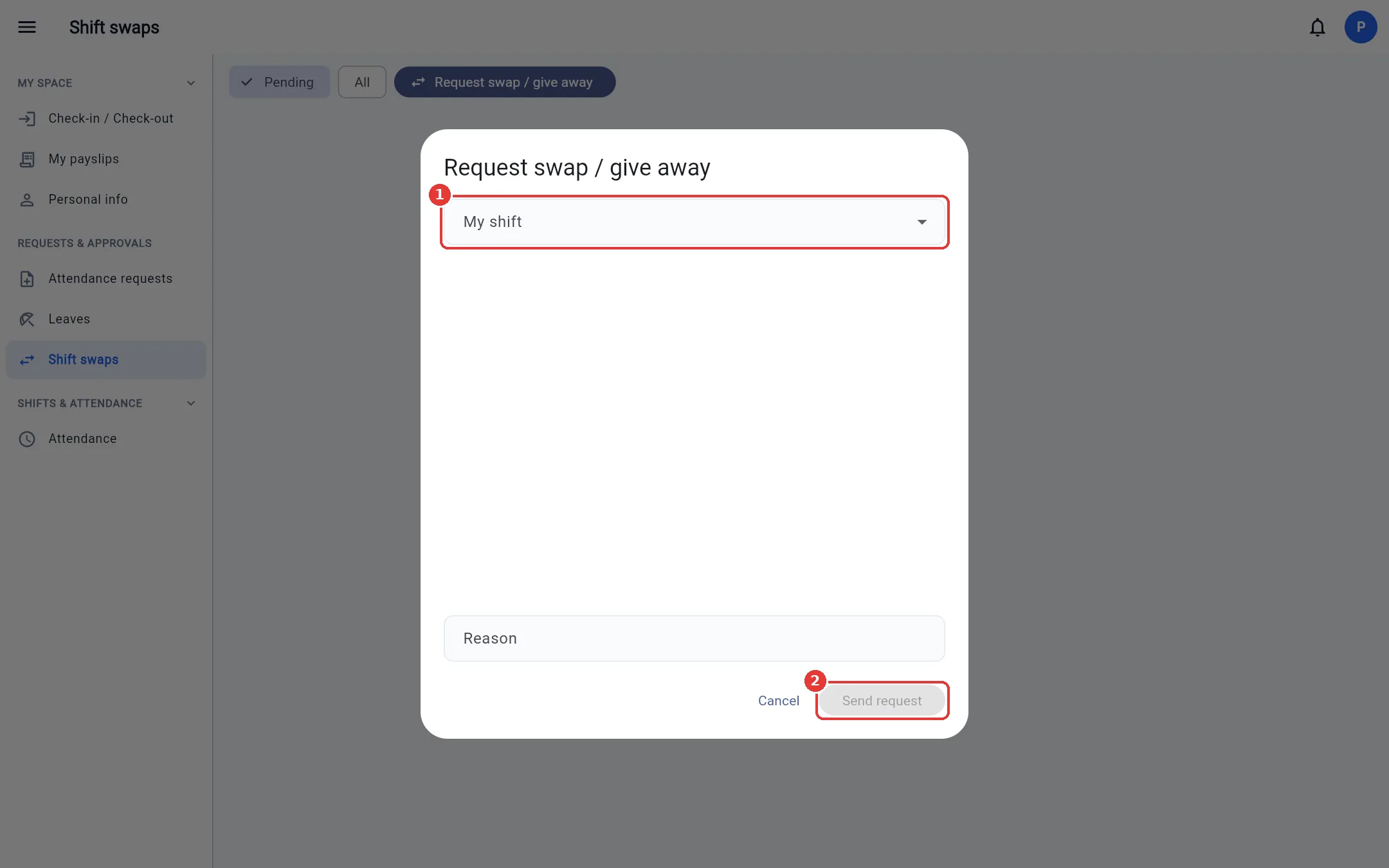
The request must be accepted by a manager who has permission to approve shift swaps. After approval, the two people's shift assignments are swapped automatically.
Note: You cannot swap a shift that already has attendance data or belongs to a locked period.
Register your work schedule
When the company opens a registration round, the Schedule registration menu (My space group) shows the open round and its deadline.
- For each day you want to work, turn on the switch and choose Existing shift, Custom hours (pick start – end time) or Available all day (the manager may assign any shift).
- To work 2 slots in a day (e.g. morning and evening), click Add 2nd slot. At most 2 slots, and they must not overlap.
- Click Submit. Until the round closes you can still edit and Update your registration; days the manager has approved stay unchanged.
Approved days get a shift assignment, which you see in Check-in / Check-out like a normal shift.